
📡 Evil Twin Wi-Fi Attacks: When You Trust the Wrong Network


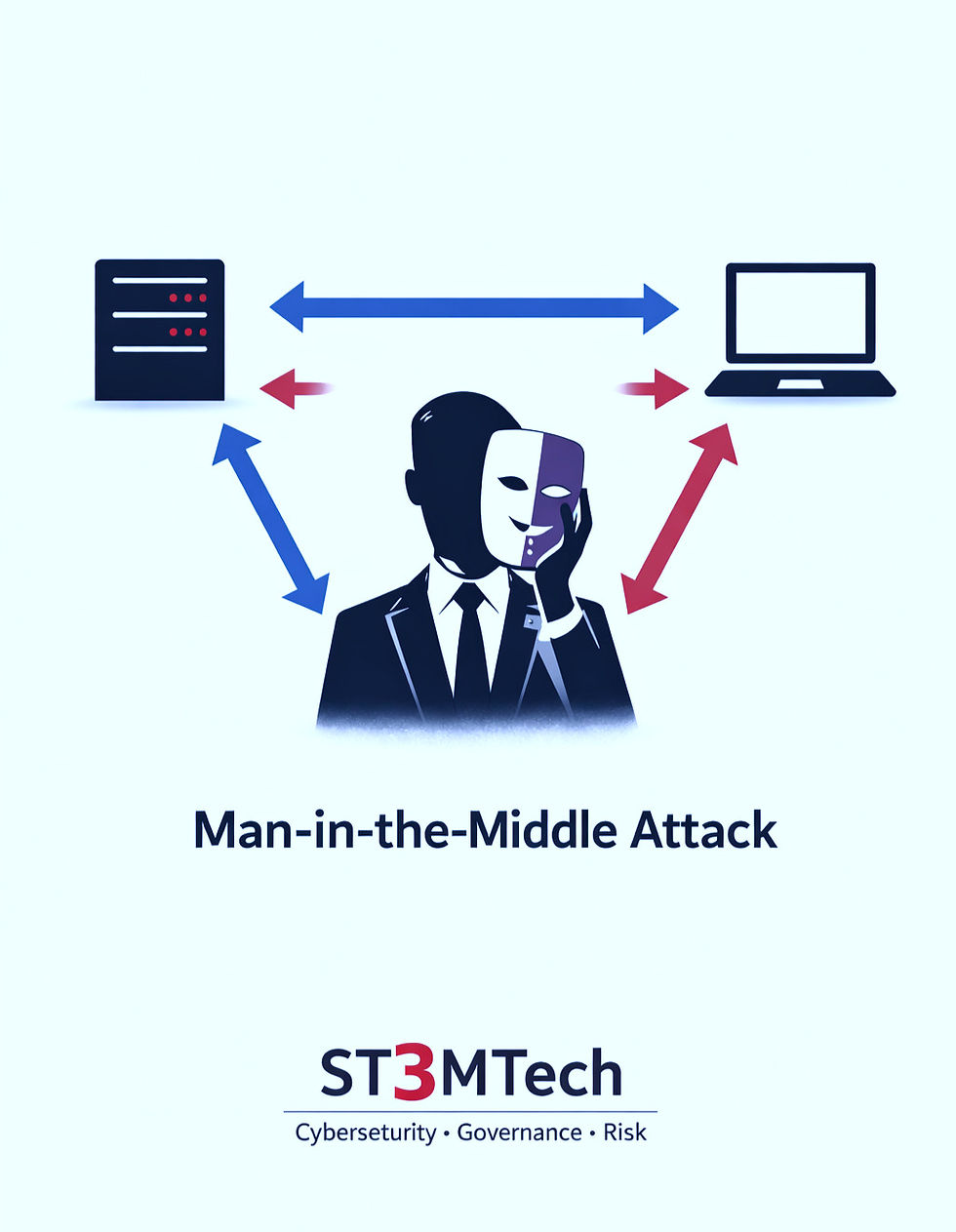
So far in this trilogy, we’ve looked at ARP poisoning - where identity is falsified - and Man-in-the-Middle attacks, where an attacker quietly positions themselves inside an existing conversation.
In an Evil Twin Wi-Fi attack, the approach shifts again. Instead of sneaking into a trusted connection, the attacker creates something that looks trusted from the outset - a network that appears legitimate, familiar, and safe, but isn’t.
🎭 What Is an Evil Twin Wi-Fi Attack?
An Evil Twin attack happens when an attacker sets up a fake Wi-Fi access point that looks legitimate. Same name. Same signal style. Same “trusted” appearance.
Technically, the attacker configures a rogue access point to broadcast the same SSID as a real network, often with a stronger signal so nearby devices prefer it. Your device connects automatically (or you connect without thinking), and just like that, all your traffic is routed through the attacker’s infrastructure instead of the real network.
📶 Why Evil Twin Attacks Are So Effective
Evil Twin Wi-Fi attacks work because they exploit something deeply human: familiarity, trust, and habitual behaviour.
From a psychological perspective, our brains are designed to take mental shortcuts whenever possible. When we see something familiar - like a café, airport, or hotel Wi-Fi network we’ve used before - we stop consciously evaluating it. The decision shifts from active thinking to habit. An Evil Twin attack relies on that moment when trust is automatic rather than deliberate. If your device thinks, “I’ve seen this network before,” it won’t ask many questions - it will simply connect.
🪤 What Happens After You Connect?
Once you connect to a rogue Wi-Fi network, the attacker doesn’t need to rush or cause disruption. Their goal is to stay invisible while your device continues to behave as if nothing is wrong. From that position, an attacker may be able to:
Monitor your traffic
Perform Man-in-the-Middle attacks
Capture credentials
Redirect you to fake login pages
Downgrade security on connections
Because your connection still “works,” there are usually no obvious warning signs. Websites load, apps open, messages are sent… Nothing looks suspicious. And that’s exactly where the danger lies.
☕ Where You’re Most Likely to See Evil Twins
🚨 Public spaces are prime targets because they combine convenience, familiarity, and volume. Cafés, airports, hotels, conference venues, and shopping centres are especially attractive because people expect free Wi-Fi and are often distracted, tired, or in a hurry.
In these environments, security is rarely top of mind. When a network name looks familiar, most people click on that “connect” button automatically, and this is exactly the moment an Evil Twin attack relies on.
🛡️ How to Protect Yourself
The best thing to do is to be aware of how and when your devices connect to public networks. Most Evil Twin attacks succeed not because of sophisticated hacking, but because devices are allowed to connect automatically without any conscious decision from the user. The following small changes can significantly reduce your risk:
Disable auto-connect on your devices
This is one of the most important steps. Auto-connect allows your phone or laptop to join networks it recognises without asking you, which is exactly what Evil Twin attacks rely on.
Avoid open Wi-Fi networks where possible
If a network doesn’t require authentication, it’s much easier to imitate.
Verify network names with staff if you’re unsure
Especially in cafés, hotels, or conferences where multiple similar network names may exist.
Use encrypted connections (HTTPS)
Encryption doesn’t stop Evil Twin attacks, but it limits what an attacker can see or manipulate.
Consider a trusted VPN on public Wi-Fi
A VPN adds an extra layer of protection by encrypting traffic before it leaves your device.
🧠 The ST3MTech takeaway
Evil Twin attacks work because they look and feel completely normal. They sit quietly in the background, waiting for you to connect so you can stay in touch with your work, your friends, or the latest news - without ever raising suspicion.
They prey on familiarity, habit, and urgency, not technical mistakes. And that’s exactly why they can be so damaging. Awareness, not fear, is what breaks the pattern.

Comments